Index
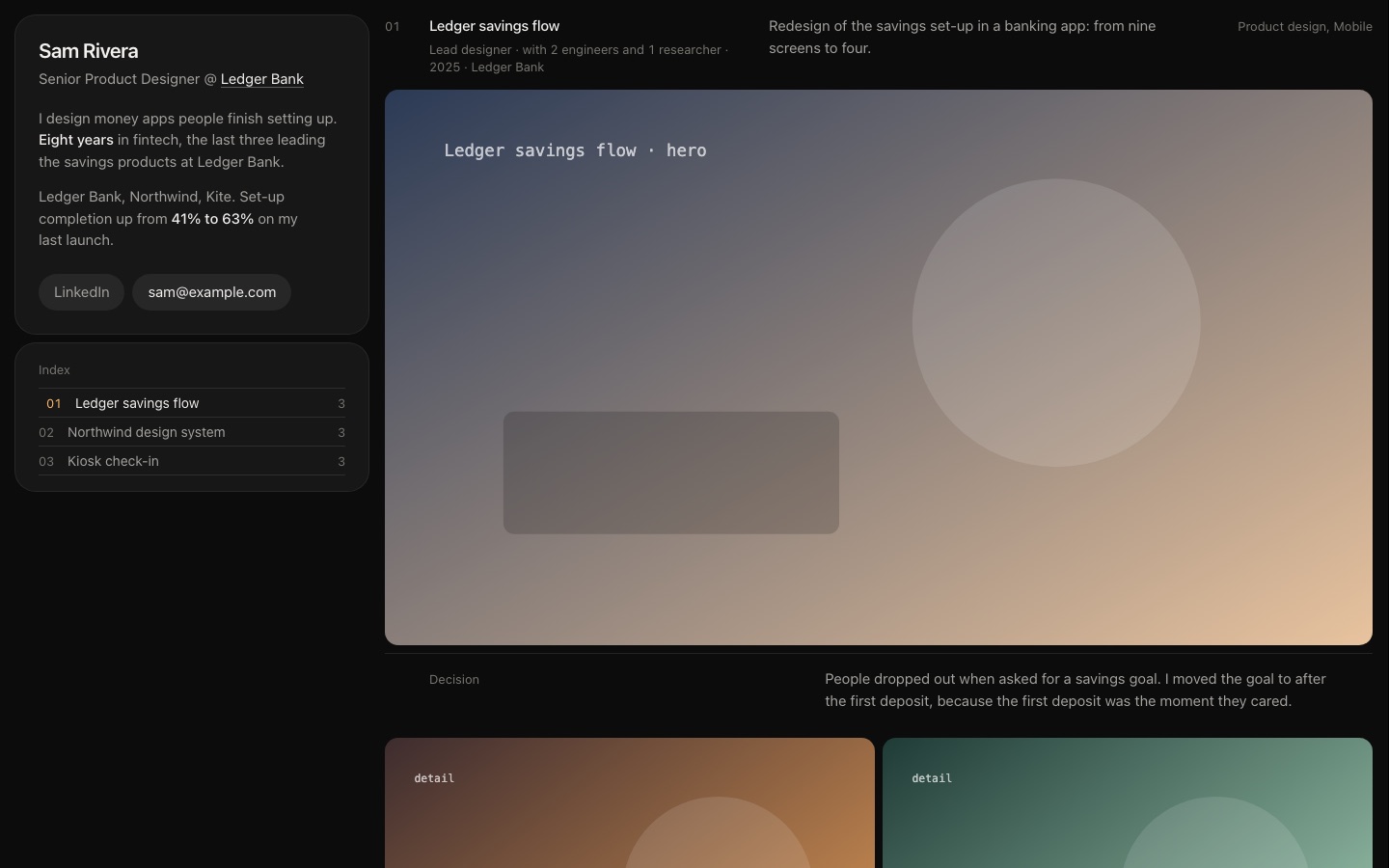
Your name, headline and email stay fixed on the left while the work scrolls large on the right.
- Best for
- Art direction, brand, 3D, illustration.
- Seen in the first 5 seconds
- Who you are and your first piece, side by side.
Two skills for your AI agent
By Owi. After 15 years in digital product, I can tell you that is about what the first look lasts. One skill reads your portfolio like the person hiring; the other builds it to pass.
npx skills@latest add adrituyo/portfolio-skillsWhoever is hiring has forty tabs open. The first look decides which ones get a real read, and it goes the same way every time: five seconds on the first screen, ten scanning, fifteen on one project. Both skills are built around those three moments.
Who is this, and at what level?
Is the work real, and is the best of it first?
What was their part, what did they decide, and what changed because of it?
Then they leave, or they write to you.
Ordered the way you would reach for them: look at what you have, then build what is missing.
See your portfolio the way a stranger does, before you change anything.
One content file in, a finished site out. The structure is fixed; the look stays yours.
Three page structures that pass the test. Choose by the kind of work, switch with one word.
Find out what a stranger takes from your portfolio in 30 seconds, and what to fix first, before the person hiring finds out for you.
Audit my portfolio: yourname.com. I'm applying for senior product roles.
It doesPasses on the first screen, loses it on the scroll: the headline says lead, the work says art director.
9 of 17 pass · 4 weak · 4 fail
Each fix comes with the copy rewritten. Then what already works, what it could not check, and all 17 rules with the evidence from your page.
It never invents a fact about you. When a better headline needs a number it does not have, it leaves a slot: [N] years, [team size].
Grouped by the moment a reviewer meets them, each under the question they are asking at that point. None is about taste: a plain portfolio can pass all seventeen and a beautiful one can fail half.
Who is this, and at what level?
Is the work real, and is the best of it first?
What did this person actually do?
How do I reach them, and for what?
Does anything get in the way?
Turn a folder of work and a few facts about you into a finished portfolio that already passes the 30 seconds.
Build my portfolio from this folder. I'm a product designer, aiming at senior fintech roles.
It doesA finished site in a folder. Nothing to install: change one content file and build again.
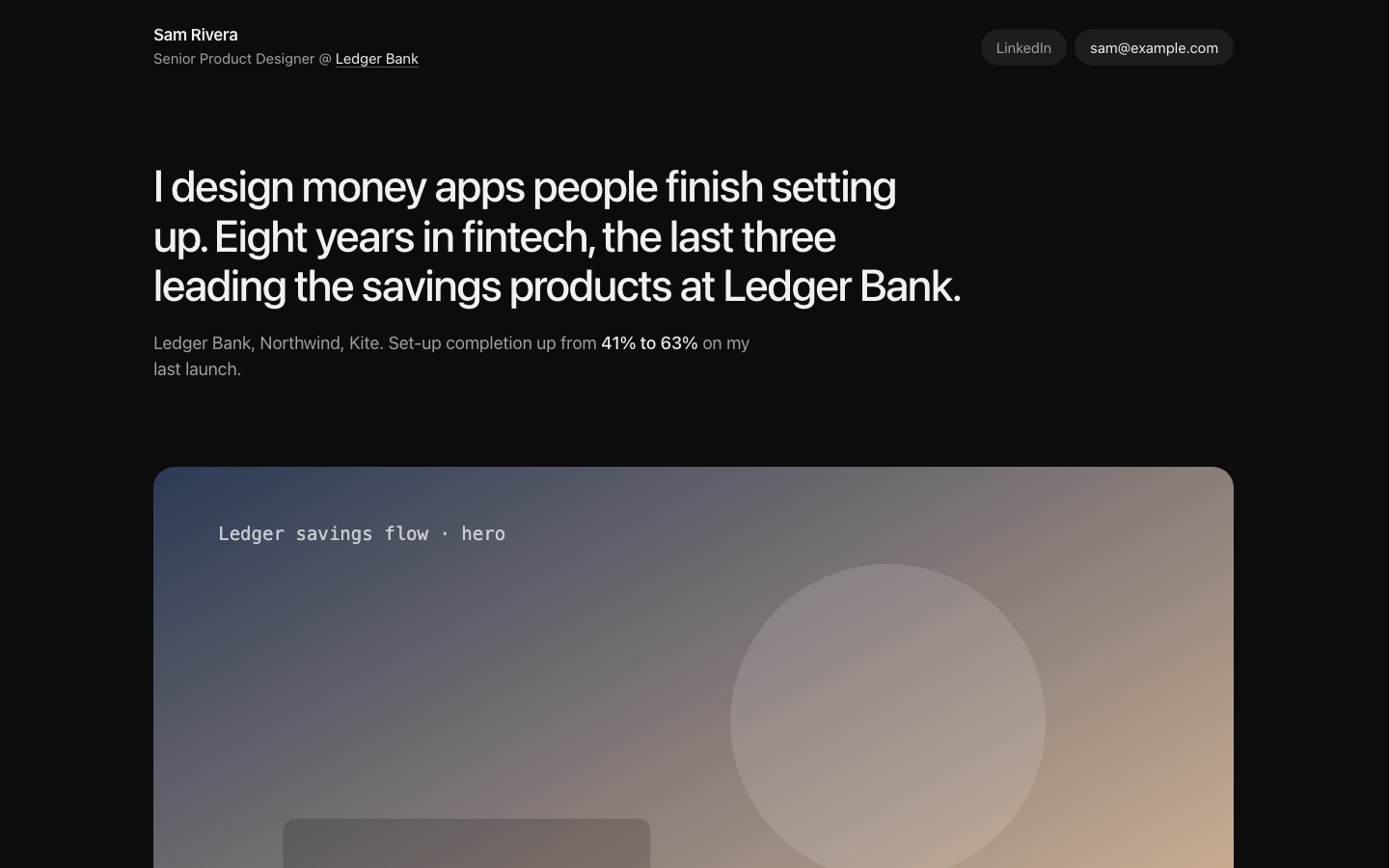
Case grid · 3 projects · 18 pictures
It ends by listing, by rule number, what an audit would still flag, so you know what is left.
The grid decides where things go. The look is one small block you own, so two portfolios built this way read the same and look nothing alike.
The same example portfolio, built three ways. Each one answers the same question for a different kind of work: in 30 seconds, what does the reviewer need to see?
Your name, headline and email stay fixed on the left while the work scrolls large on the right.
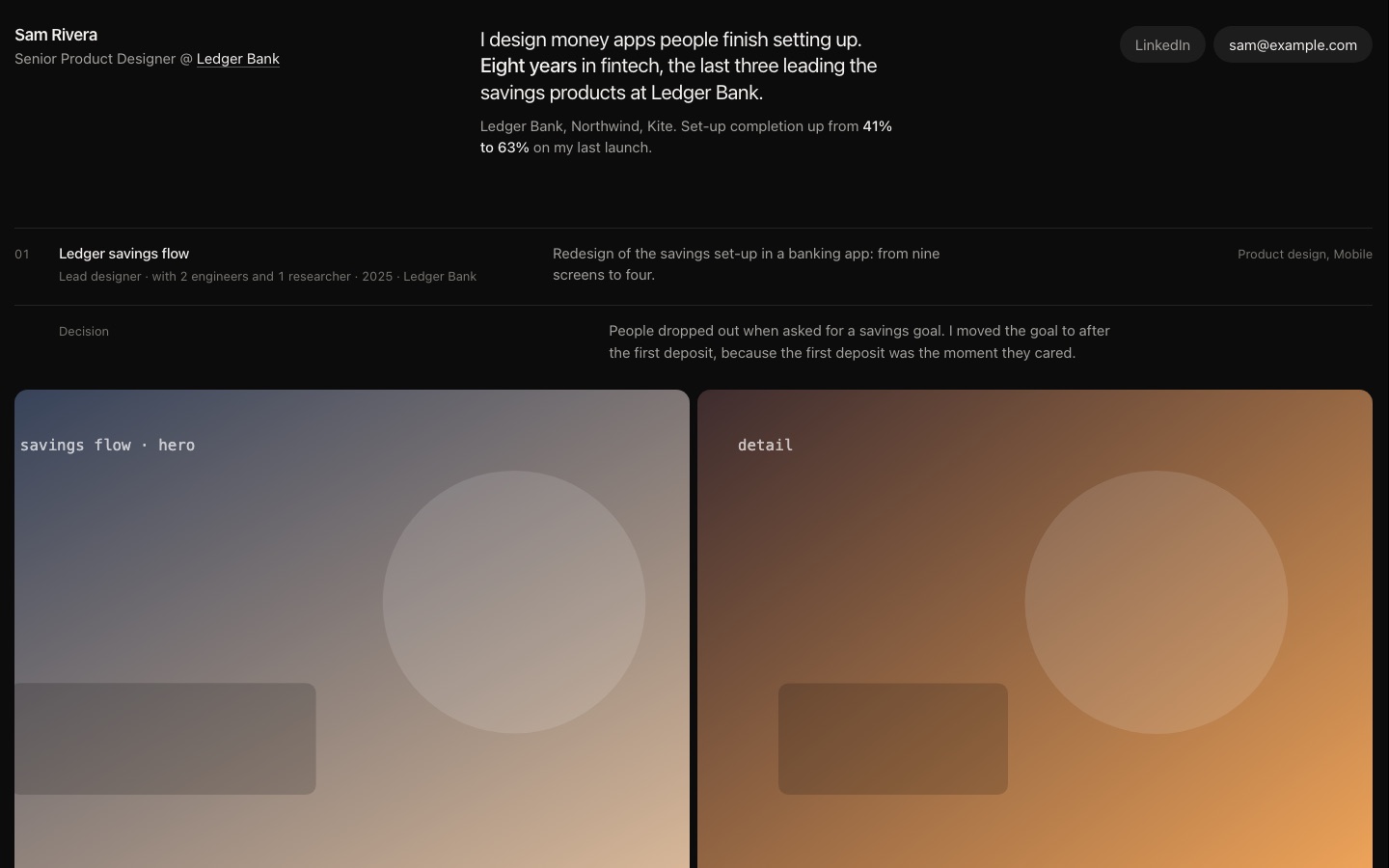
A short header, then every piece at one size, two across. It reads as a body of work.
A large statement, one card per project with its result, and a page each for role, decision and outcome.